IPTV USA · PERSONAL TERMS FROM $9.99 USDInstall your player. Request a one-day trial ↗
Search guides   ·   Worldwide directory
DEVICES & SETUP

The right guide for your screen.

Installation and first-launch guidance for Fire TV, Google TV, Apple TV, computers, phones, smart TVs and dedicated media boxes.

21 DEVICE & PLATFORM GUIDES

Start with the screen in front of you.

A TV brand, its operating system and the installed player are three different identities. Choose the matching guide before downloading software.

DEVICE & OPERATING SYSTEM

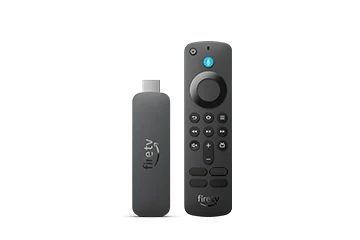
Choose the correct app route for a Vega Fire TV

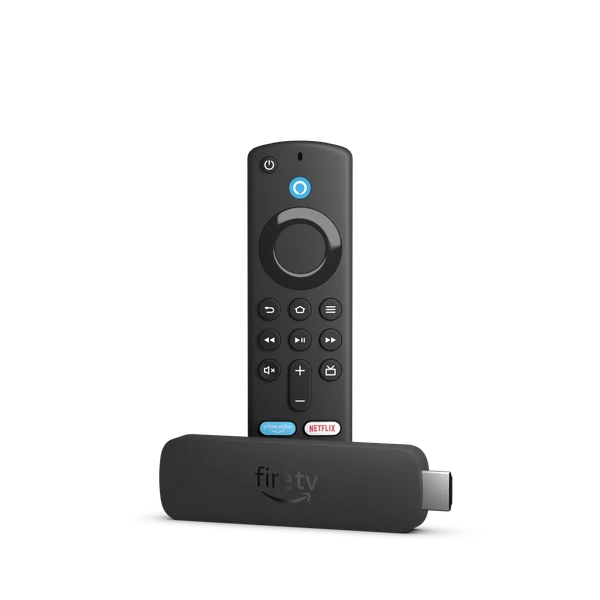
Vega devices keep the familiar Fire TV branding but need their own software decision. Amazon identifies newer models, including Fire TV Stick 4K Select, as Vega products. An Android-era tutorial is therefore not a reliable installation guide merely because the remote looks familiar.

Explore the guide ↗
DEVICE & OPERATING SYSTEM

Install the TV edition on Android TV

Android TV has a television app catalogue designed around remote control and a large screen. A player available on an Android phone can still be absent on the television. Start with the TV edition and its developer listing before choosing an account method.

Explore the guide ↗
DEVICE & OPERATING SYSTEM

Find and configure a player on Google TV

Google TV puts installed apps alongside recommendations and other viewing sources. Its Apps tab is the useful starting point for a new player. Search results for films or programmes are not the same thing as the app’s own store listing.

Explore the guide ↗
DEVICE & OPERATING SYSTEM

Set up a player on an Android phone or tablet

An Android phone or tablet needs a mobile player suited to touch controls and its installed Android version. Start with the developer’s mobile listing. A similarly named television app or an old APK link does not establish the correct edition.

Explore the guide ↗
DEVICE & OPERATING SYSTEM

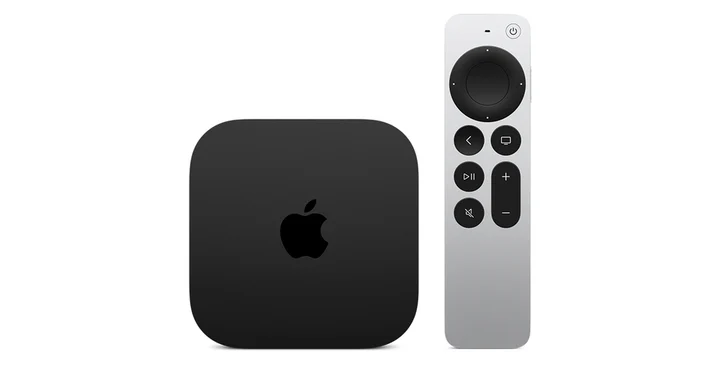
Install and use a player on Apple TV HD or 4K

Apple TV hardware generations matter before any player search begins. Apple TV HD and Apple TV 4K have an App Store; Apple TV third generation does not support adding new apps through that route. Check the hardware rather than treating every Apple TV box alike.

Explore the guide ↗
DEVICE & OPERATING SYSTEM

Install a player on iPhone or iPad

The App Store is the normal starting point for an iPhone or iPad player. Check the developer and supported devices before downloading: several unrelated apps can use similar IPTV names, and their fees or account screens need not match.

Explore the guide ↗
DEVICE & OPERATING SYSTEM

Choose the right player build for a Windows PC

Windows setup is easier to troubleshoot when the installer, player and viewing account are treated as separate stages. Use a genuine Store listing or the developer’s own download page, then choose the build intended for the computer’s architecture.

Explore the guide ↗
DEVICE & OPERATING SYSTEM

Install VLC through an Ubuntu package route

Ubuntu software installation should follow the distribution’s package system. VideoLAN documents VLC through Ubuntu Software, APT and its verified Snap distribution. Choose one maintained route for the actual Ubuntu installation rather than copying commands intended for another operating system.

Explore the guide ↗
DEVICE & OPERATING SYSTEM

Find a native player on a Samsung Smart TV

Samsung Smart TV setup uses the TV’s own app catalogue. Tizen is not an Android APK installation target, and a player available on a Fire TV or phone may not have a Samsung edition. Identify the television and the app’s seller before installation.

Explore the guide ↗
DEVICE & OPERATING SYSTEM

Identify the VIDAA TV before choosing a player

VIDAA is an operating system used by several TV manufacturers. A brand such as Hisense does not tell you whether a particular television runs VIDAA, Google TV, Roku or another platform. Read the TV’s system details before choosing an installation guide.

Explore the guide ↗
DEVICE & OPERATING SYSTEM

Set up MAG555 through its Google TV app route

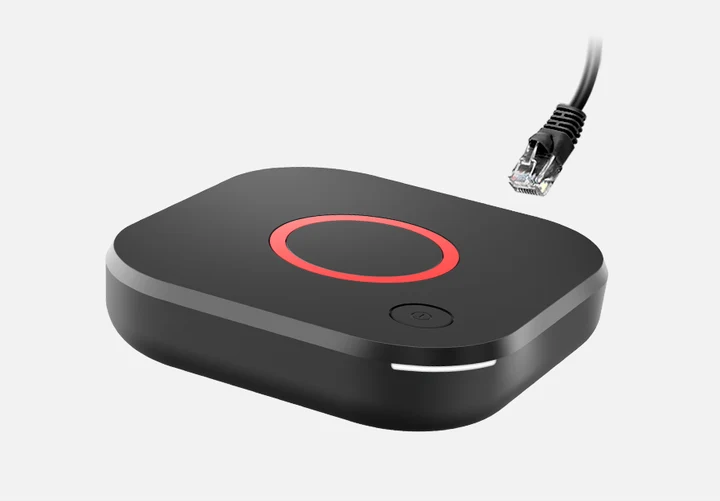
MAG555 belongs to a different setup branch from Infomir’s classic Linux portal boxes. Infomir identifies it as a Google TV streaming media player. Start with Google TV’s app catalogue rather than assuming that a familiar MAG portal menu will appear.

Explore the guide ↗
DEVICE & OPERATING SYSTEM

Use the correct MYTVOnline content-source screen

Formuler’s MYTVOnline player has different connection menus across versions. Find the installed generation before adding an account. Formuler manufactures the device and documents the software, but it does not supply the viewing content or a service portal.

Explore the guide ↗
DEVICE & OPERATING SYSTEM

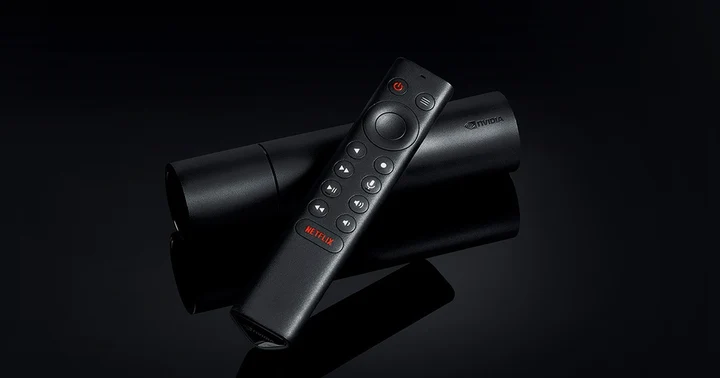
Choose a remote-friendly player for NVIDIA SHIELD TV

SHIELD TV uses the Android TV application route. The useful distinction is between a television app validated for remote use and a phone package that happens to install. Start with the genuine TV listing rather than assuming that all Android software has the same interface.

Explore the guide ↗
DEVICE & OPERATING SYSTEM

Connect a Google Cast app to the intended screen

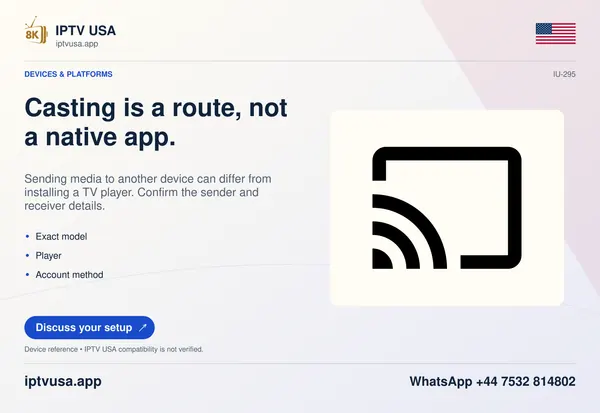
Google Cast sends supported media from a compatible app to a receiver such as a Chromecast, Google TV Streamer or a TV with Google Cast. It is a separate route from installing the player directly on the television and is not guaranteed by a generic cast icon in promotional artwork.

Explore the guide ↗

The details that matter.

A CONSIDERED START

Your next step can be a simple conversation.

Install a compatible player, then WhatsApp IPTV USA to request a one-day free trial.

WhatsApp support↑