
SHIELD TV uses the Android TV application route. The useful distinction is between a television app validated for remote use and a phone package that happens to install. Start with the genuine TV listing rather than assuming that all Android software has the same interface.
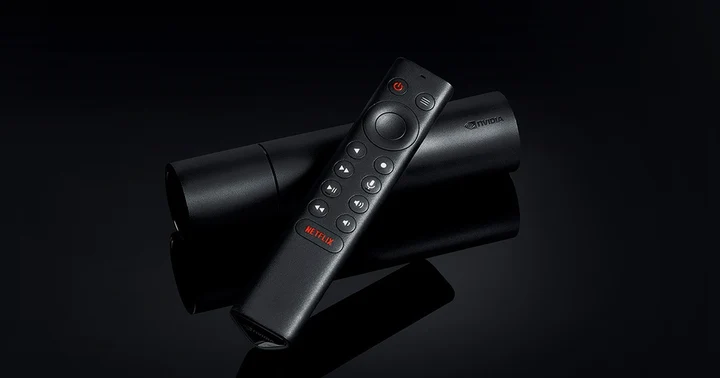
Record the SHIELD and player versions
Identify the SHIELD model and installed system release, connect to the intended network and use its authorized Google account. Check the chosen player’s television requirements. Storage, external media and app permissions should match the task; a local media library and an online viewing account need not use the same access controls.
Use the SHIELD Google Play shortcut
NVIDIA directs users to Google Play for officially supported Android TV apps. It separately notes that sideloaded apps have not necessarily been validated for television use and can introduce stability or interface problems. A missing TV listing should therefore trigger an applicability check, not an automatic phone-APK recommendation.
- Open the Apps area on SHIELD’s home screen.
- Use its Google Play Store shortcut to find the identified TV player.
- Review the developer and the requirements shown for SHIELD.
- Install the offered television edition and launch it with the remote.
Configure the edition actually installed
Use the account form or source type documented by that SHIELD-compatible edition. Do not paste a full authenticated playlist into a server-address field without that app’s instructions. A paid software feature and the IPTV USA connection allowance remain separate; hardware performance does not change the terms of the viewing account.
Check remote operation and the media task
Verify that the app opens and its menus are reachable without a touch screen. Then test the intended permitted source. A responsive interface and a successful account connection are different results, and neither establishes universal codec, resolution or IPTV USA service compatibility.
Keep the failure reproducible
For a crash, note the SHIELD release and player version and check their documented updates. For account errors, retain the exact text and selected source method. Avoid changing several decoder, network and account settings together; that makes it harder to identify which reversible change affected the symptom.
Useful answers
Does an Android phone listing prove SHIELD support?
No. Look for the Android TV edition offered to the SHIELD device and check its remote-control usability.
Does NVIDIA officially support every sideloaded app?
No. Its support guidance distinguishes Play Store television apps from packages not validated for Android TV.
Will more powerful hardware increase my account’s connection limit?
No. Hardware capability and the service’s permitted simultaneous-use allowance are different facts.