
A classic MAG portal setup is different from installing an app on a Google TV box. Infomir sells several software families under the MAG name, so identify the exact model and firmware before entering a portal address or following a menu sequence.
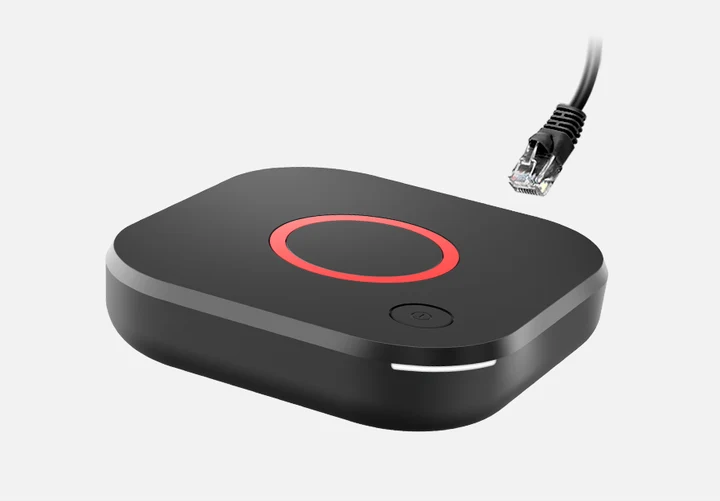
Identify the Linux and portal variant
Record the MAG model and firmware information and confirm that its embedded portal exposes the documented server settings. MAG540 and MAG544 Linux products differ from RDK variants and the Google TV-based MAG555. A case photograph or a MAG logo is not enough to select the procedure.
Use the documented embedded portal settings
This route configures an existing portal-capable box; it does not install an Android application. Use the exact issued address and keep its spelling and path intact. Do not append a guessed suffix or replace it with a playlist link because another guide uses that format.
- Open the embedded portal’s System Settings on a model that documents this interface.
- Go to Servers, then Portals.
- Enter the provider-issued address in the applicable portal URL field.
- Save through the device’s documented controls and return to the portal as instructed for that firmware.
Keep the account identifier private
Some portal accounts are associated with a device identifier. Confirm the required identifier privately with the service rather than publishing the full MAC in screenshots. A printed hardware address, an app-generated MAC ID and a username/password account are not automatically interchangeable registration methods.
Preserve the current configuration
Before changing servers, keep a private record of the original settings. If the portal is unavailable, verify the issued address, network and relevant firmware guidance. Do not factory-reset, replace firmware or cycle through unrelated providers as the first response to an account rejection. Use the specific model’s official documentation for further work.
Model and operating-system differences
| Model | Documented platform |
|---|---|
| MAG540 / MAG544 Linux | Applicable embedded portal settings |
| MAG540 RDK variants | Use model-specific RDK documentation |
| MAG555 | Google TV application route |
Useful answers
Does this portal menu apply to MAG555?
No. MAG555 is documented as Google TV hardware and needs its applicable app-based setup rather than this classic Linux portal procedure.
Is an M3U URL the same as a portal URL?
No. They are different source methods. Use the format issued for the supported account and input field.
Should a full MAC address be included in a public support screenshot?
No. Treat device and account identifiers as private. Share only what is necessary through an appropriate private support route.