
A Fire TV setup begins with the operating system, not the shape of the remote. Fire OS is Android-derived, while some newer Fire TV products use Vega. This guide applies to a device whose own system information identifies Fire OS.
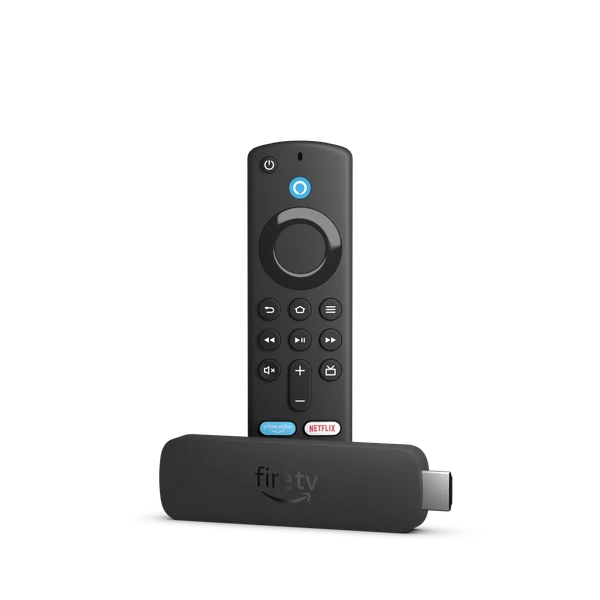
Identify the stick before choosing an app
Record the retail name, generation and installed OS from the device information screen. Keep the Amazon account and a working internet connection available. Choose a player with a current listing for this device rather than relying on a phone screenshot or an old download link.
Use the device’s Appstore listing
An Appstore result for a different device is not enough. If the player is absent, confirm its current distribution route with its developer before taking another installation path. This site has not established the identity or signing provenance of an IPTV USA APK.
- From the Fire TV main menu, open Find or use the remote’s search control.
- Search for the exact player and open its app details.
- Check the publisher, compatibility and displayed price before choosing Get or the purchase option.
- Launch the installed app from its listing or your apps library.
Keep installation and activation separate
The Amazon sign-in downloads the software; it does not supply a viewing account. Inside the player, use only the login method issued for your account. A username/password form, a playlist field and a portal field are different inputs. Do not copy credentials between them by guessing.
What a successful first launch looks like
First confirm that the app opens and responds to the remote. Then check whether the issued account loads its expected interface. A successful installation alone does not establish stream availability, connection allowance or any IPTV USA device test.
Narrow the failure before reinstalling
If the download fails, check the device network and available storage. If the app opens but rejects a login, preserve the precise error and player version instead of repeatedly changing the server address. Avoid factory reset as a first response; it removes settings without identifying which layer failed.
Model and operating-system differences
| Model | Documented platform |
|---|---|
| Fire TV Stick 4K Plus (2025) | Fire OS 8 |
| Fire TV Stick 4K Select (2025) | Vega; use the separate Vega guide |
Useful answers
Does every Fire TV accept the same APK?
No. Fire TV is a product family. Confirm Fire OS first; Vega devices require a different compatibility decision.
Is the Amazon password my player password?
No. Amazon authenticates the store account. The player uses its own supported account method and the details issued for the viewing service.
Should I use a numeric Downloader code from an old guide?
Only after its current destination and developer provenance are verified. No IPTV USA numeric Downloader code is established by the supplied source.