
Restart a Fire TV before considering a factory reset when the aim is to recover an unresponsive interface. Restarting and erasing the device are different actions with different consequences.
First confirm that the television is showing the Fire TV’s input. An input change can hide a working device without creating any software failure.
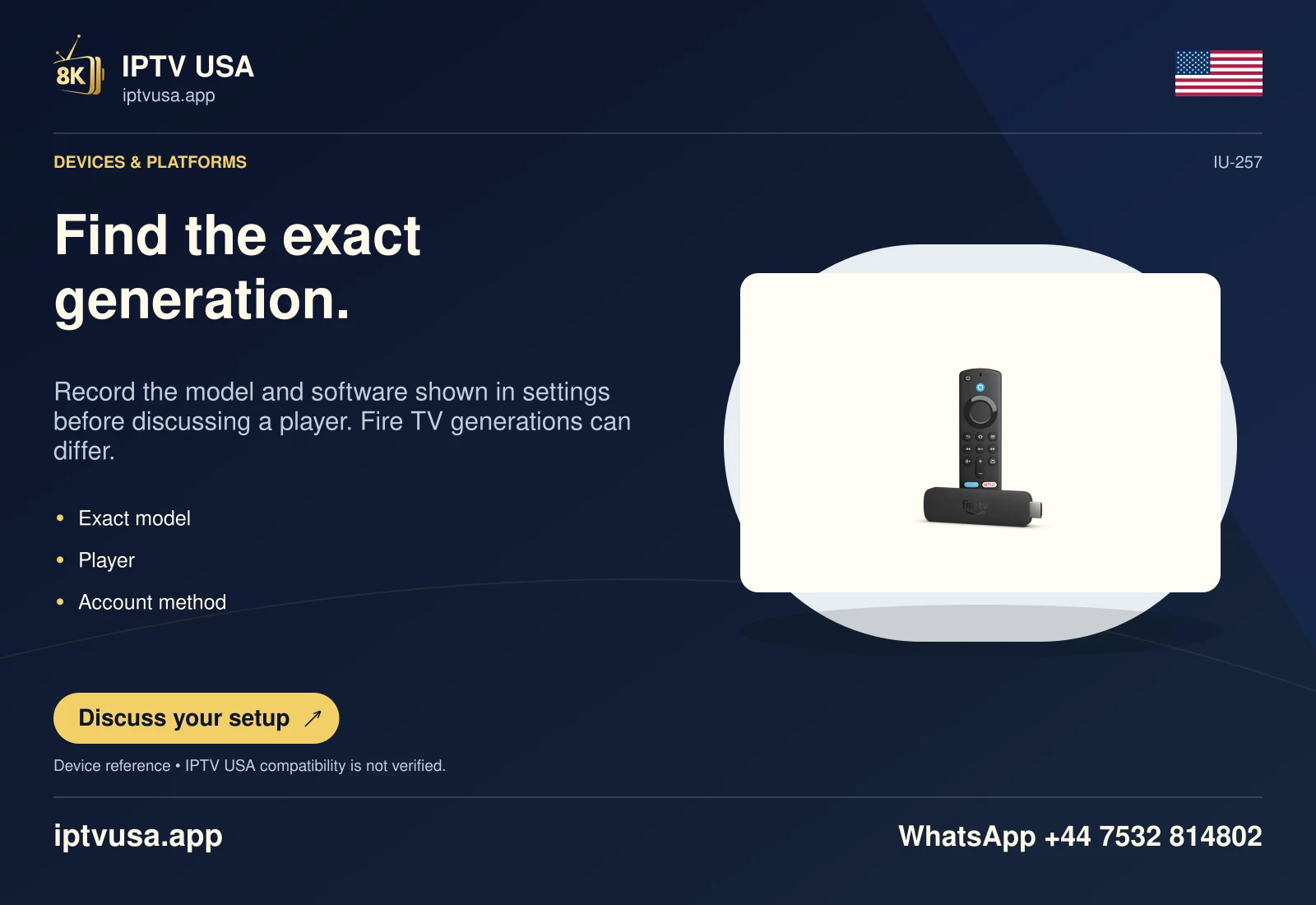
Check the visible device before changing it
Use the television’s source selector to confirm the HDMI connection for an external Fire TV. Check the remote’s batteries and the exact model’s documented power arrangement. These basic device checks can distinguish a hidden or unresponsive interface from a problem inside one player.
If Fire TV navigation works and only one application fails, keep the action scoped to that app where possible. A full-device reset can remove unrelated accounts and settings without identifying the single-app symptom.
Use a restart action rather than reset
Amazon documents a forced restart for a frozen Fire TV by holding Select and Play/Pause together for about five seconds on an applicable remote. Its help also describes disconnecting power, waiting, and reconnecting as a restart route. Follow the current model instructions and do not interrupt a system update deliberately.
If the Settings interface remains accessible, use the restart function exposed by that device. Read the confirmation carefully: a control labeled Reset to Factory Defaults is not another spelling for Restart.
- Confirm the correct television input and device.
- Use the available ordinary restart control or documented supported-remote restart.
- Allow the Fire TV to return to its normal interface.
- Open the same application and repeat the original failing task.
- Record the remaining symptom before considering a broader change.
Make the next decision from the result
Check whether Home navigation returns, whether the player launches and whether its account view loads. Each observation narrows the problem. A restarted device that still rejects a login may need account-specific investigation rather than another reboot.
Before any later factory reset, preserve the information required to configure the device again. Amazon states that factory reset removes account information and downloaded content.
Useful answers
Does restart erase the device like factory reset?
Treat them as separate actions. Factory reset is the documented erasure route, not a routine reboot.
Should I reset everything when one player freezes?
First use scoped checks and restart where appropriate. Preserve the exact single-app symptom before removing unrelated settings.
Will restarting renew the service?
No. Device recovery does not change the service account’s term or authorization.