
Fire OS and Vega require different app-compatibility decisions even though both appear in the Fire TV product range. Start with the exact model rather than applying an Android APK tutorial to every stick.
The important distinction is the software route offered to that device, not whether its box or remote resembles a previous Fire TV.
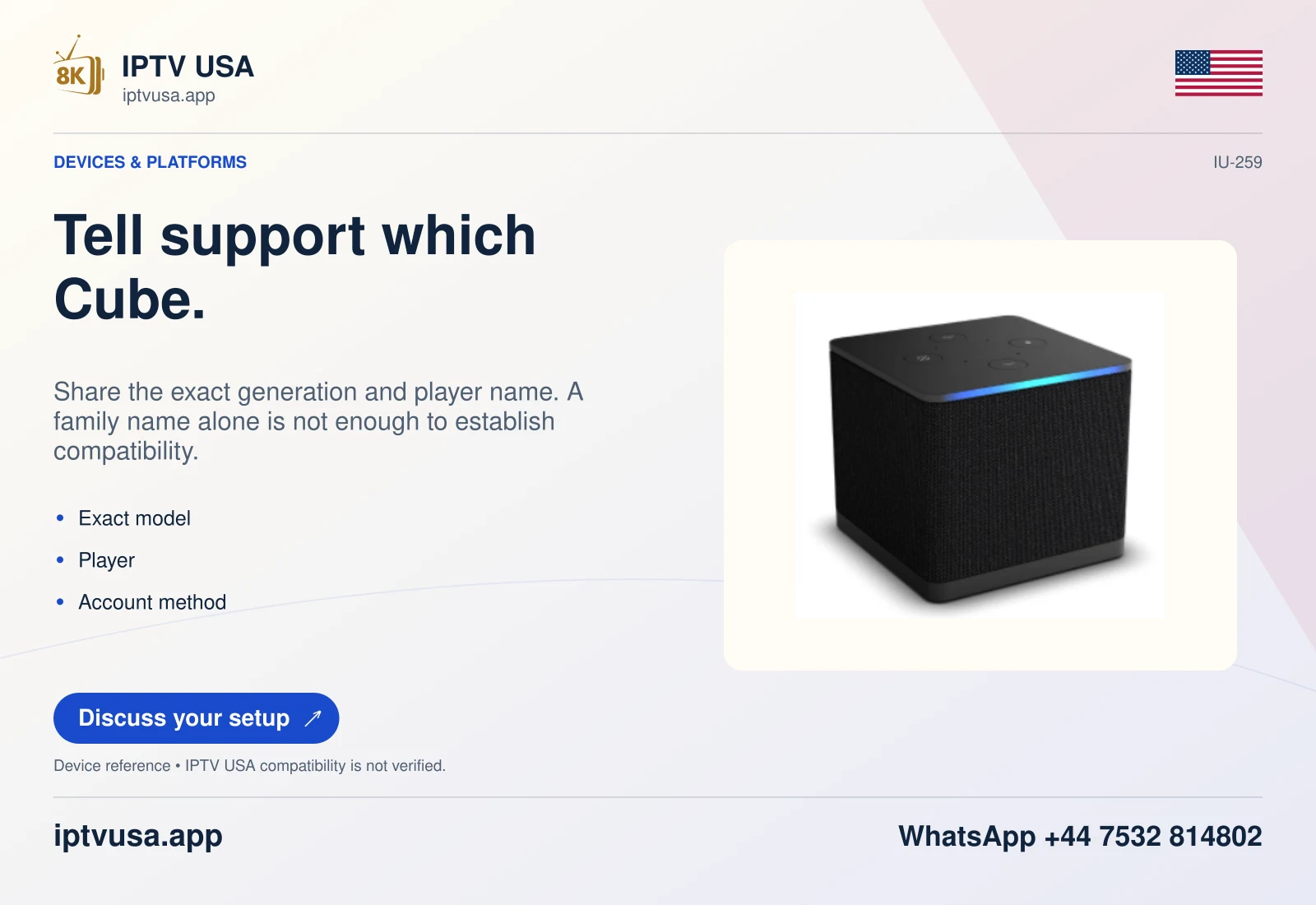
Read the model table correctly
Amazon documents Fire OS as Android-derived. Its device table separately marks Vega models with Android level not applicable. At the research date, the table identifies Fire TV Stick 4K Plus (2025) under Fire OS and newer models such as 4K Select, Stick HD (2026) and Stick 4K third generation (2026) under Vega.
Minor version numbers can differ across documentation and installed devices. Preserve the version actually reported by the hardware instead of asserting that one online specification is the current release for every unit.
| Device evidence | Installation decision |
|---|---|
| Fire OS model | Verify the developer’s supported Fire TV/Fire OS route. |
| Vega model | Check the app actually offered to that Vega device. |
| Unidentified 4K stick | Identify the model before attempting package installation. |
Understand the Cloud App Program exception
Amazon can offer selected Fire OS applications on Vega through a cloud-hosted wrapper arrangement. That developer programme is not a general local APK installer for users. Its existence therefore does not validate an arbitrary player package, short code or copied phone download.
Use the Appstore listing offered on the actual device. If the intended software is unavailable, establish a documented alternative player or another independently supported device before continuing. Do not turn a missing app into a reason to invent menu paths that the OS does not provide.
Keep the account decision separate
A compatible installation route is only the first stage. The chosen player must also support the issued account method, and the service must authorize that account. A successful device-table lookup is not a hands-on IPTV USA test.
When requesting setup help, provide the retail model, installed OS, exact player and the stage that failed. Leave passwords and authenticated URLs out of public screenshots. Those details make the problem actionable without claiming that every Fire TV model or player has been tested.
Useful answers
Is Vega just an Android version number?
No. Amazon’s device documentation distinguishes Vega from Android-derived Fire OS and marks its Android level not applicable.
Does cloud app streaming mean every APK works?
No. Amazon describes a selected programme with approved availability, not arbitrary local APK support.
Can the same service account be assumed to work after moving devices?
No. Verify the new player’s input method and the account’s actual permitted setup separately.