
Two Xiaomi TV Stick 4K generations can look like close relatives while showing different home-screen software. The first generation’s official specification lists Android TV 11; the second generation’s current support page identifies Google TV.
Use the generation on the actual product and its installed information screen. The words 4K alone do not identify the interface.
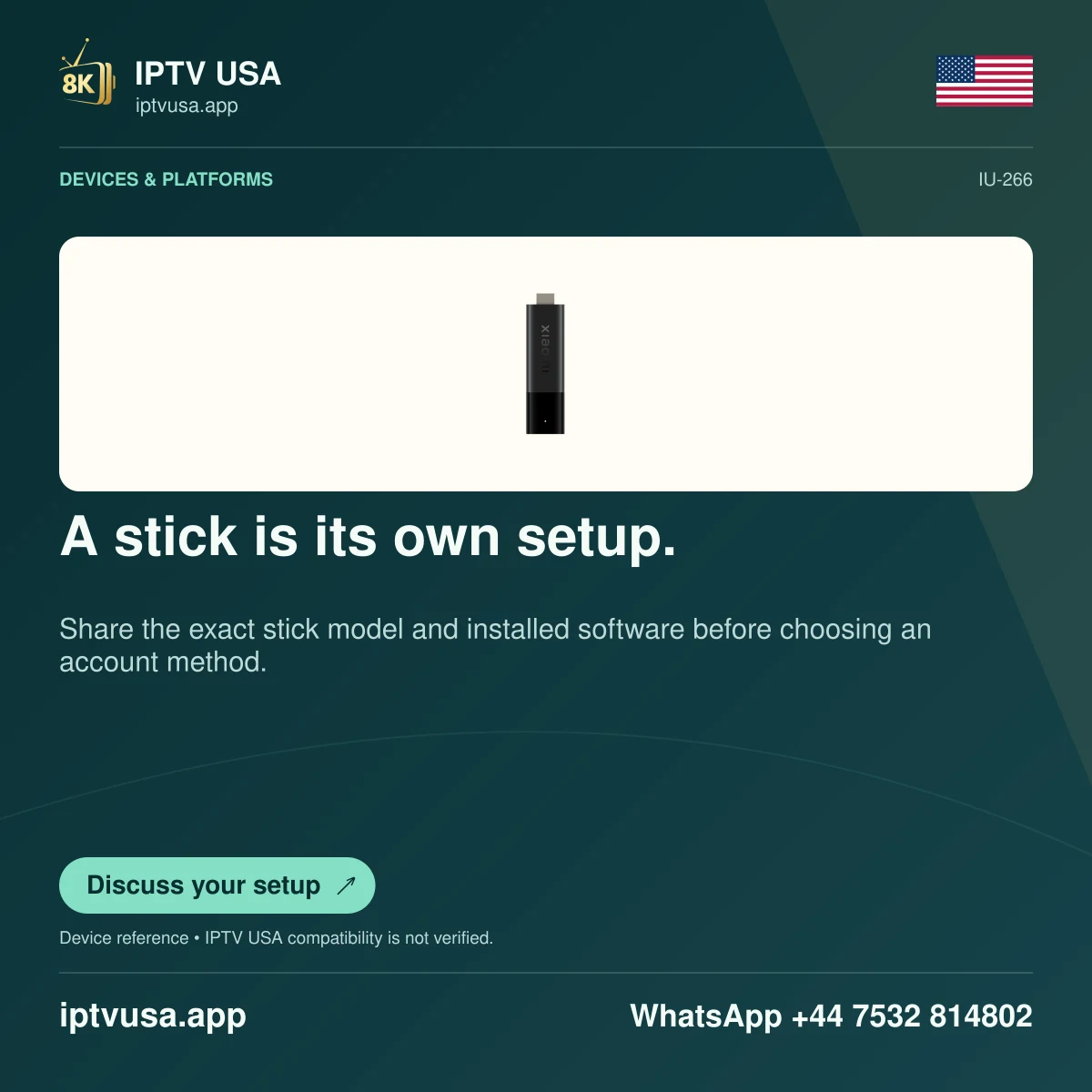
Read the complete product name
Check the original model label, packaging record or device information and compare it with Xiaomi’s exact product page. Do not shorten both devices to “Mi Stick” in a support request; that loses the distinction that determines which menu instructions make sense.
A listing title from a reseller can omit the generation or combine several names. Treat the manufacturer’s matched documentation and the device’s own information as the useful evidence. Do not assume that a software update has turned one retail model into another.
Choose instructions for the visible interface
For the original model, begin with its Android TV controls and manufacturer guidance. For the second generation, use the Google TV app-discovery and profile layout shown on the actual device. Shared Android application concepts do not make every screenshot interchangeable.
When installing a player, confirm the developer’s TV edition and the listing offered to that specific stick. A phone package with the correct brand name is not enough. Read charges, account methods and device requirements before installation.
Use the accessories and power arrangement documented for the exact model. Avoid borrowing a cable or setup assumption from a different streaming stick simply because both plug into HDMI.
Describe a mismatch instead of forcing it
If a tutorial names a menu that is absent, record the generation, installed software and the point where the instructions diverge. That is a concrete support question. Enabling hidden menus or installing unrelated launchers is not the first remedy for a guide written for another product.
The expected result is a correctly identified generation and a matching installation route. It does not prove IPTV USA account compatibility or guarantee a particular programme quality. Those need their own documented app and service checks.
Useful answers
Does 4K identify the Xiaomi generation?
No. Both researched generations use 4K branding; read the complete model and generation.
Can I follow identical home-screen screenshots for both generations?
Not reliably. The documented first-generation Android TV and second-generation Google TV experiences differ.