
An external Fire TV stick runs its own software through a television’s HDMI input. It does not become a native Tizen, webOS or VIDAA application just because it is connected to that television.
Use the setup instructions for the exact stick generation, including its supplied power arrangement. Amazon’s current instructions differ between generations.
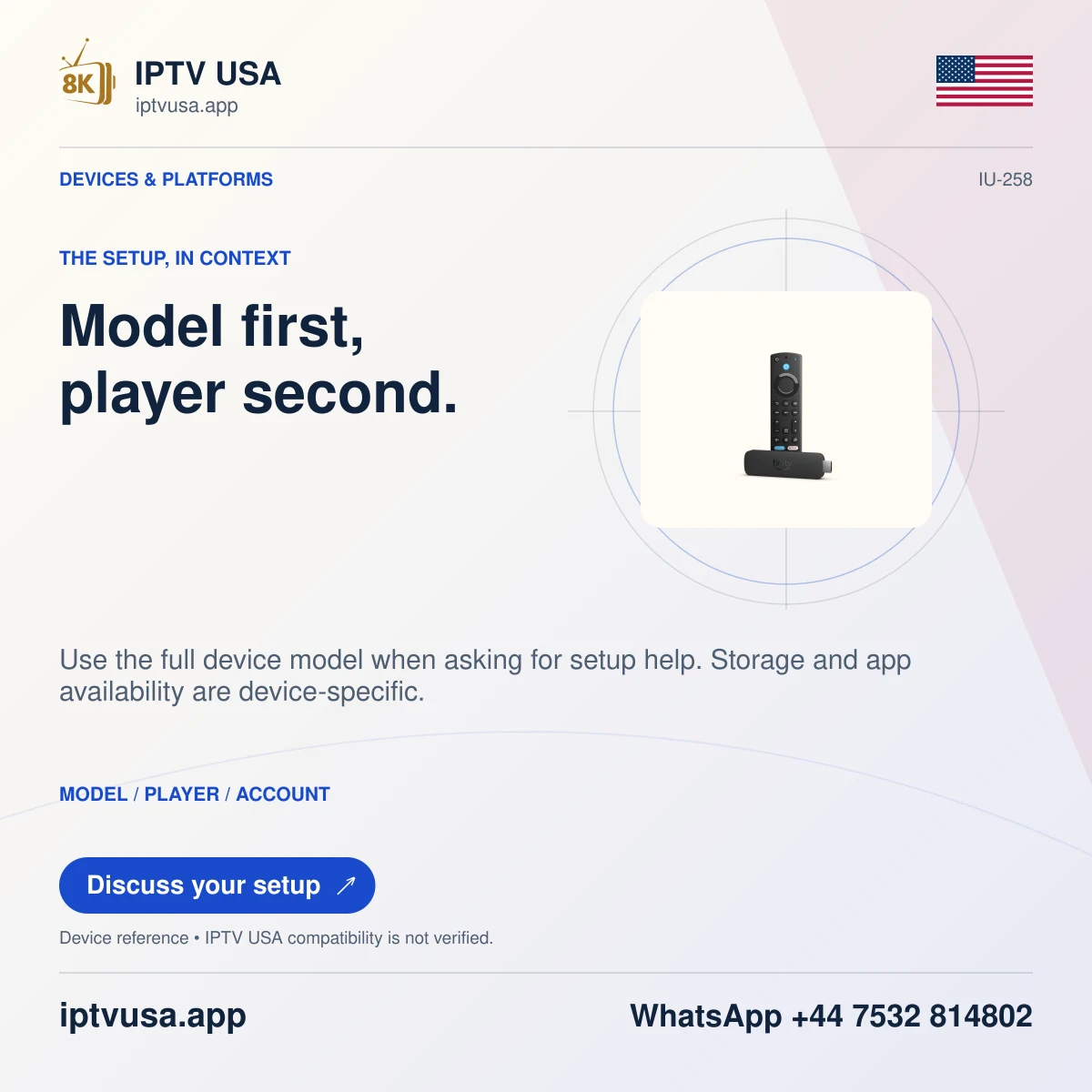
Identify the hardware and its supplied accessories
Check the retail model before connecting power. Older Stick HD instructions specify the supplied wall-adapter arrangement, while the newer Stick HD second-generation instructions document included direct power from a TV USB-A port with an appropriate fallback if power is insufficient.
That difference is why a universal “always use TV USB” or “never use TV USB” instruction can be wrong. Follow the exact model’s power requirements, supplied accessories and on-screen notices rather than borrowing a cable arrangement from another stick.
Connect the separate streaming device
Connect the stick to an available HDMI port according to its official setup guide. Use any documented extender when space around the port prevents a suitable connection. Keep a note of the HDMI input so it can be selected with the television’s remote.
Turn on the television and select that input. The Fire TV setup interface, rather than the television’s own app store, should now be visible. Complete the Fire TV’s intended setup and account prompts without entering viewing-service credentials into an unrelated television or Amazon sign-in field.
- Confirm the exact Fire TV model.
- Use its documented power cable and supply arrangement.
- Connect the HDMI device to the intended television input.
- Select that input using the television’s source control.
- Follow the Fire TV setup prompts displayed on that screen.
Check the device boundary when something is missing
If the screen shows the television’s Home menu, return to the correct input before changing the stick. If a power warning appears, use the exact model’s documented remedy. If Fire TV opens but a player is missing, investigate Fire TV app availability rather than searching the television’s native store.
The expected outcome is a visible and usable external Fire TV interface. Player installation and IPTV USA account compatibility are later, separate checks. An external device’s successful setup does not establish native player support for the television operating system.
Useful answers
Does connecting a stick install an app into my TV?
No. The stick remains a separate streaming device, viewed through its selected HDMI input.
Should every Fire TV stick use the same USB power method?
No. Follow the exact model’s official instructions; the researched Stick HD generations have different documented power arrangements.
Why am I seeing the TV app store instead of Fire TV?
Check the selected HDMI input. The native television interface and the attached stick are different systems.