
Xiaomi’s TV Box and TV Stick are separate hardware families. A shared brand and television purpose do not make their ports, accessories or menu layouts identical.
Before using an installation guide, read its complete product name and generation. A guide for TV Box S second generation is not automatically a guide for either TV Stick 4K generation.
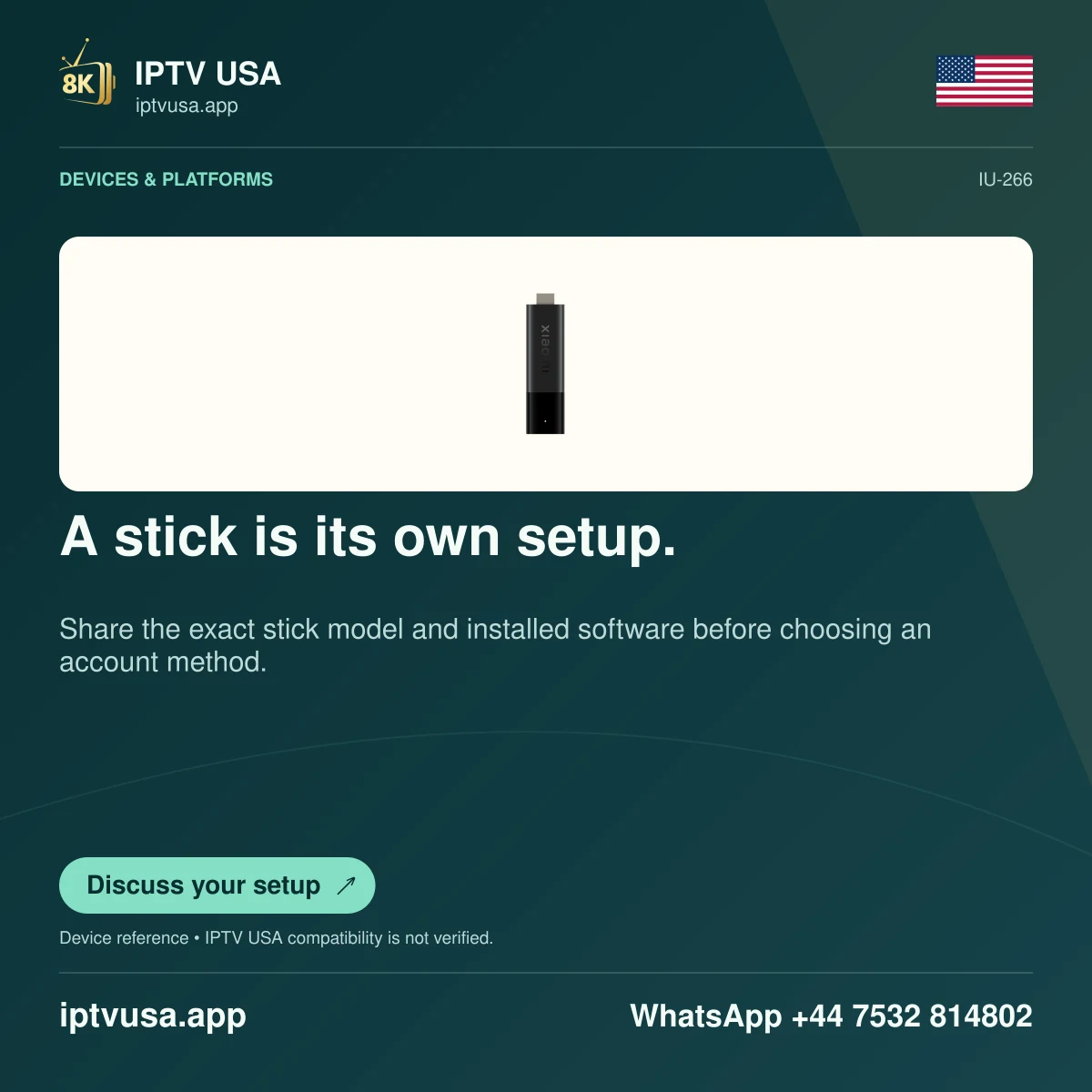
Identify the hardware family first
A stick connects as a compact HDMI device; a box has its own enclosure and separate cable arrangement. Check the device label and system information rather than classifying it only by the remote. Replacement remotes and broad marketplace names can blur the distinction.
Compare the exact manufacturer specification. The researched TV Box S second generation lists Google TV and its own HDMI, USB and other connections. The original TV Stick 4K specification lists Android TV 11, while its second generation uses Google TV.
Apply physical instructions only when they match
Follow the model’s supplied power and HDMI setup. If an instruction asks for a port that the device lacks, stop and check the source rather than treating an adapter as an automatic solution. Hardware expansion and support depend on more than connector shape.
For application installation, use the store route offered to the actual device. A television running Google TV can have a different layout from an older Android TV stick while still sharing some app concepts. Identify the intended player edition and publisher before downloading.
Keep local product documentation available. Manufacturer notes can vary by market, including accessories and remote features. A global promotional image is not a promise about every item in your local box.
Verify the correct system is on screen
If the Xiaomi device is attached to a Samsung, LG or other television, select its HDMI input. The screen’s native app store belongs to the television; it is not Xiaomi’s app catalogue. Use the Xiaomi remote and device interface for the player task.
Record the model, generation and app version in any support question. A successful external-device setup does not add native support to the television or establish that IPTV USA has tested the account on that Xiaomi model.
Useful answers
Is a Xiaomi TV Box guide interchangeable with a TV Stick guide?
Only where the exact instruction and hardware are documented to match. Check family, generation and ports first.
Why do I see my television’s own store instead of Xiaomi apps?
You may be on the native TV home screen. Select the HDMI input containing the Xiaomi device.