
Devices & setup
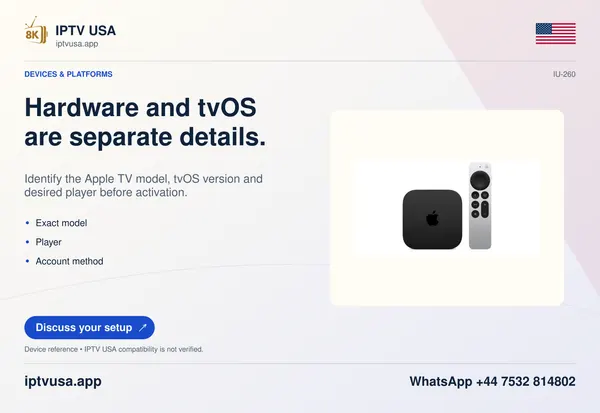
Pair the supported Siri Remote with Apple TV
Pair a compatible replacement Siri Remote with Apple TV using the matched Apple instructions and read the on-screen result.
Explore the guide ↗Player setup, everyday viewing, television technology and account decisions, explained with useful steps and source links. Archive page 6.
Pair a compatible replacement Siri Remote with Apple TV using the matched Apple instructions and read the on-screen result.
Explore the guide ↗Review Apple TV purchase restrictions and a private passcode without confusing them with a player’s account or content controls.
Explore the guide ↗Move Apple TV apps and group them into folders without deleting the player or changing the account inside it.
Explore the guide ↗Choose Restart rather than Reset when you want to reboot Apple TV, and understand when a factory reset erases accounts and configuration.
Explore the guide ↗Match Apple TV remote navigation to the clickpad or touch-surface generation so app controls remain predictable.
Explore the guide ↗Redownload a previously acquired Apple TV player from the correct account and exact listing without assuming local settings will return.
Explore the guide ↗