
Pair a compatible replacement remote without resetting a working Fire TV. Amazon provides different starting routes depending on whether the original remote is still available.
Check compatibility first: not every Fire TV remote works with every device, and pairing a remote is different from programming television volume or power controls.
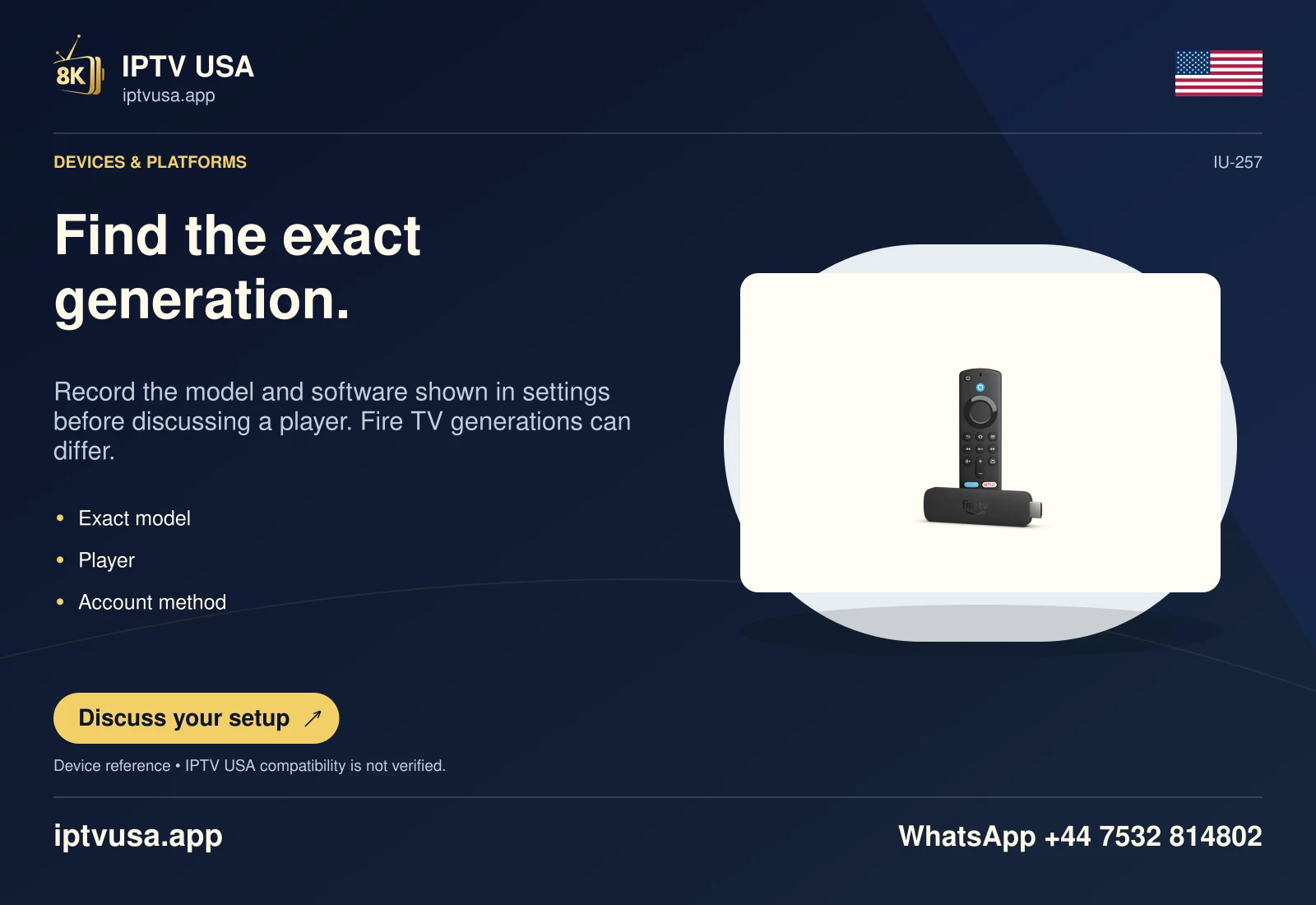
When the original remote still works
Use the current remote to open Settings, Controllers & Bluetooth Devices and Amazon Fire TV Remotes. Choose Add New Remote. Insert batteries in the replacement and watch for it in the device’s list.
Amazon documents holding the replacement remote’s Home button for ten seconds if it does not appear. Follow the onscreen pairing prompts and confirm ordinary directional navigation before trying the player. This preserves the distinction between connecting the remote and diagnosing an app.
- Check that the replacement is compatible with the exact Fire TV.
- With the working remote, open the Fire TV remote-management screen.
- Choose Add New Remote.
- Insert the new remote’s batteries and follow detection/pairing prompts.
- Use the documented Home hold if detection needs it.
Confirm which controls have been restored
Test Home, directional movement and Select on the Fire TV interface. If these work but television volume or power does not, the remaining task concerns equipment control or compatibility, not necessarily remote pairing.
A remote connection does not change installed player software or service credentials. Avoid a factory reset merely to pair a replacement, because it can remove a configuration that was otherwise working. Keep the exact Fire TV and remote models in any support note.
Useful answers
Will every Alexa Voice Remote work?
No. Check the manufacturer’s compatibility information for the exact Fire TV and remote.
Must I factory-reset the Fire TV first?
Amazon’s documented pairing routes do not make a factory reset the routine first action.
Why do Home and navigation work but TV volume does not?
That can be a separate equipment-control task. Pairing the remote to Fire TV and controlling the television are different functions.