
Use this image to identify the named product or family. A manufacturer family image can cover more than one retail configuration; the exact generation and installed operating system still come from the device’s own model label and settings.
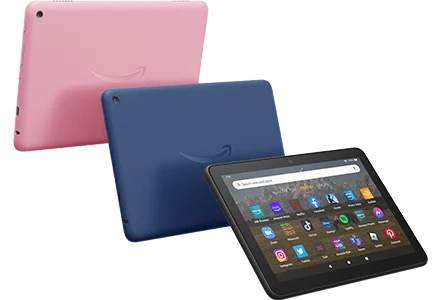
Recorded product identity
| Reference | Detail |
|---|---|
| Identity | Fire HD 8 (2022, 12th Gen) |
| Image scope | Fire HD 8 (2022, 12th Gen) |
| Artwork | official product image |
| Name | Fire HD 8 (2022, 12th Gen) |
| Generation | 12th Gen |
| Marketplaces Available (More Details) | amazon.com amazon.co.uk amazon.de amazon.co.jp amazon.fr amazon.it amazon.es amazon.ca |
| Initial Os Version | Fire OS 8 |
| Latest Os Version | Fire OS 8 |
| Android Version & Api Level | Android 11, API Level 30 |
Connect the model to the setup guide
Match the full model and generation before following platform instructions. Product appearance and a familiar brand name do not establish which app store is present. Use the platform guide for the installed OS, then the software developer’s current distribution route.
When an external box supplies the app, the box’s operating system controls installation; the connected television supplies the display. Record both devices when asking about an HDMI or playback problem.