
SHIELD TV and SHIELD TV Pro do not have identical storage connections. The model name matters before you buy an accessory or follow a storage-expansion tutorial.
Also decide whether you want to read media from a removable drive or expand storage for apps. Those goals can involve different setup choices and consequences.
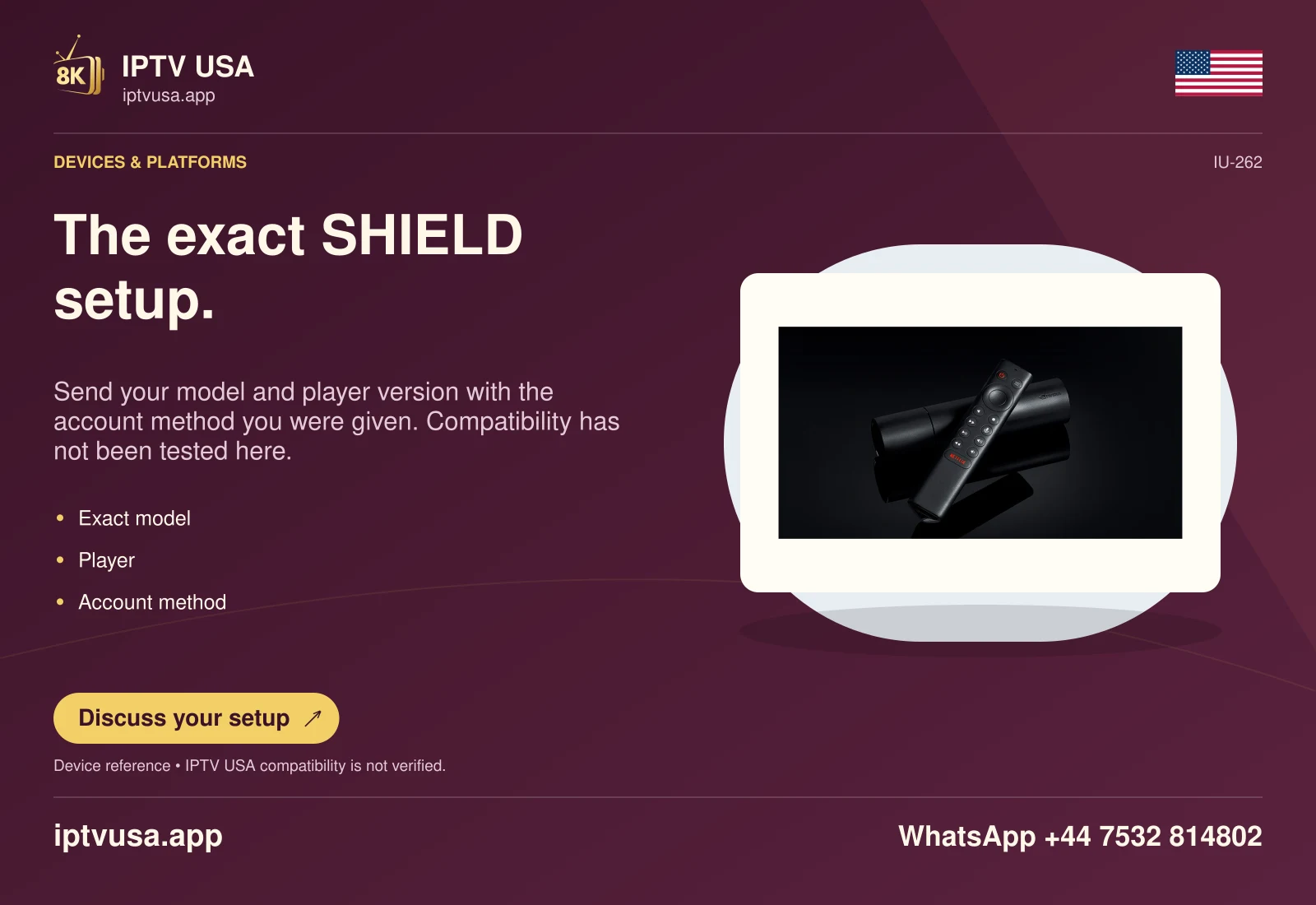
Identify the physical model and port
Check the exact SHIELD model and its official specifications. The researched cylindrical SHIELD TV uses a microSD expansion route, while SHIELD TV Pro documents USB ports and USB storage expansion. Do not force a connector or assume an accessory for one model fits the other.
Read the ports on the actual unit rather than relying on a generic SHIELD logo in a shopping listing. Older generations also exist, so a current product-page photograph should not override the model information on your device.
Choose removable media or device storage deliberately
NVIDIA distinguishes removable storage from storage configured for device use. Removable media can serve a file-reading task without becoming the location for applications. Formatting for device storage has stronger consequences, including erasing and tying the drive to the device’s storage arrangement.
Back up anything valuable before a format prompt. Do not approve formatting merely because the television offers it after insertion. A drive containing family videos or another computer’s documents should not be repurposed without checking its contents and making a verified copy.
Confirm the model’s supported drive and filesystem guidance. A USB or microSD capacity printed on a package is not evidence that every mode, adapter or filesystem will work on the device.
Check the exact expected result
For removable media, verify that the intended player can browse an ordinary supported local file. For app-storage expansion, inspect the device’s reported storage arrangement and the relevant app’s supported move or install behaviour. Keep those outcomes separate.
Eject removable storage through the supported menu before disconnecting it. If applications depend on configured device storage, removing that storage can make them unavailable. Storage expansion does not itself add service content, renew an account or prove that a particular IPTV USA feature works.
Useful answers
Can SHIELD TV and SHIELD TV Pro use the same physical storage guide?
Not automatically. Check the exact model’s microSD or USB connections and storage instructions.
Will formatting preserve files already on the drive?
Do not assume so. Formatting can erase the drive; preserve and verify important files first.